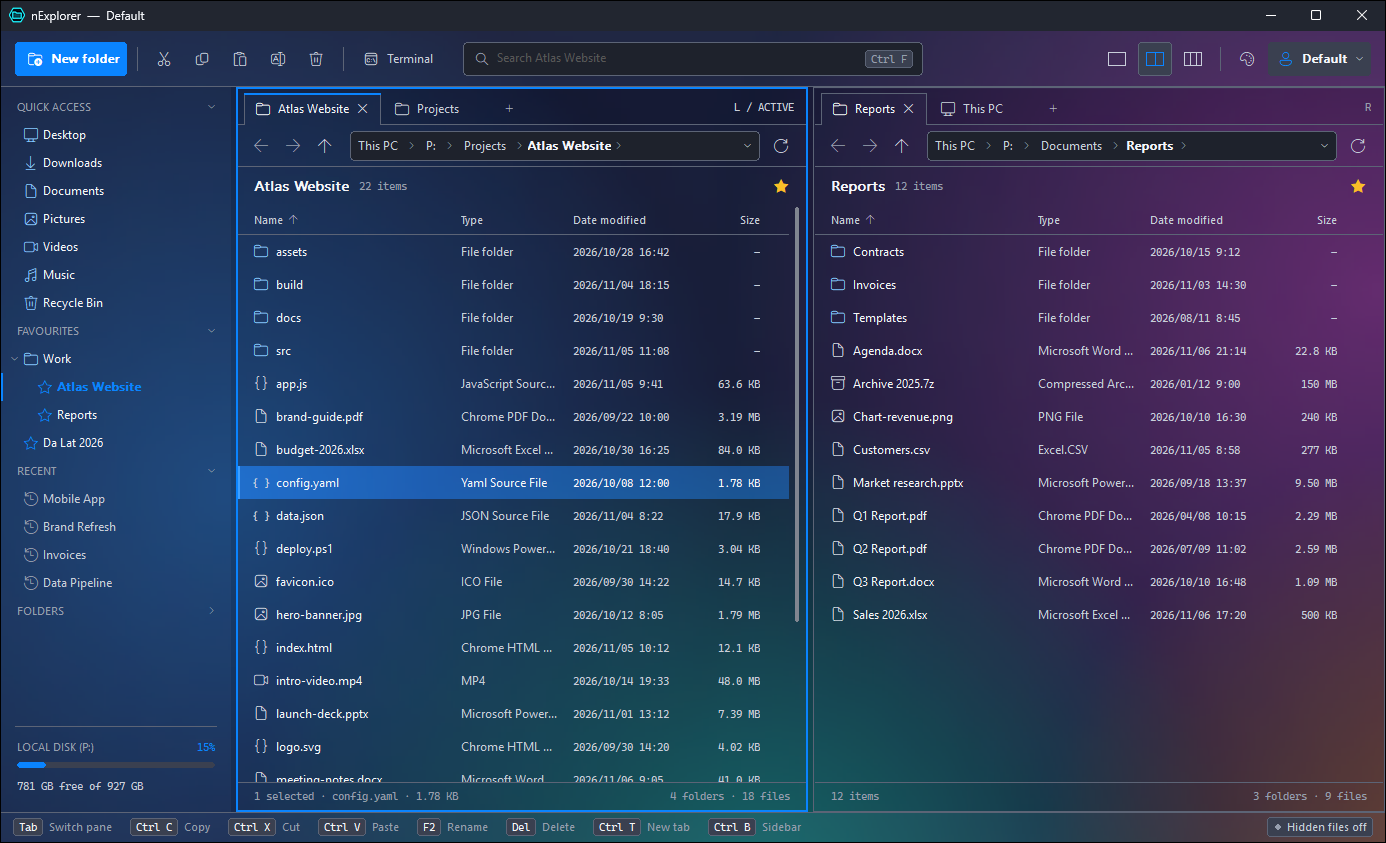
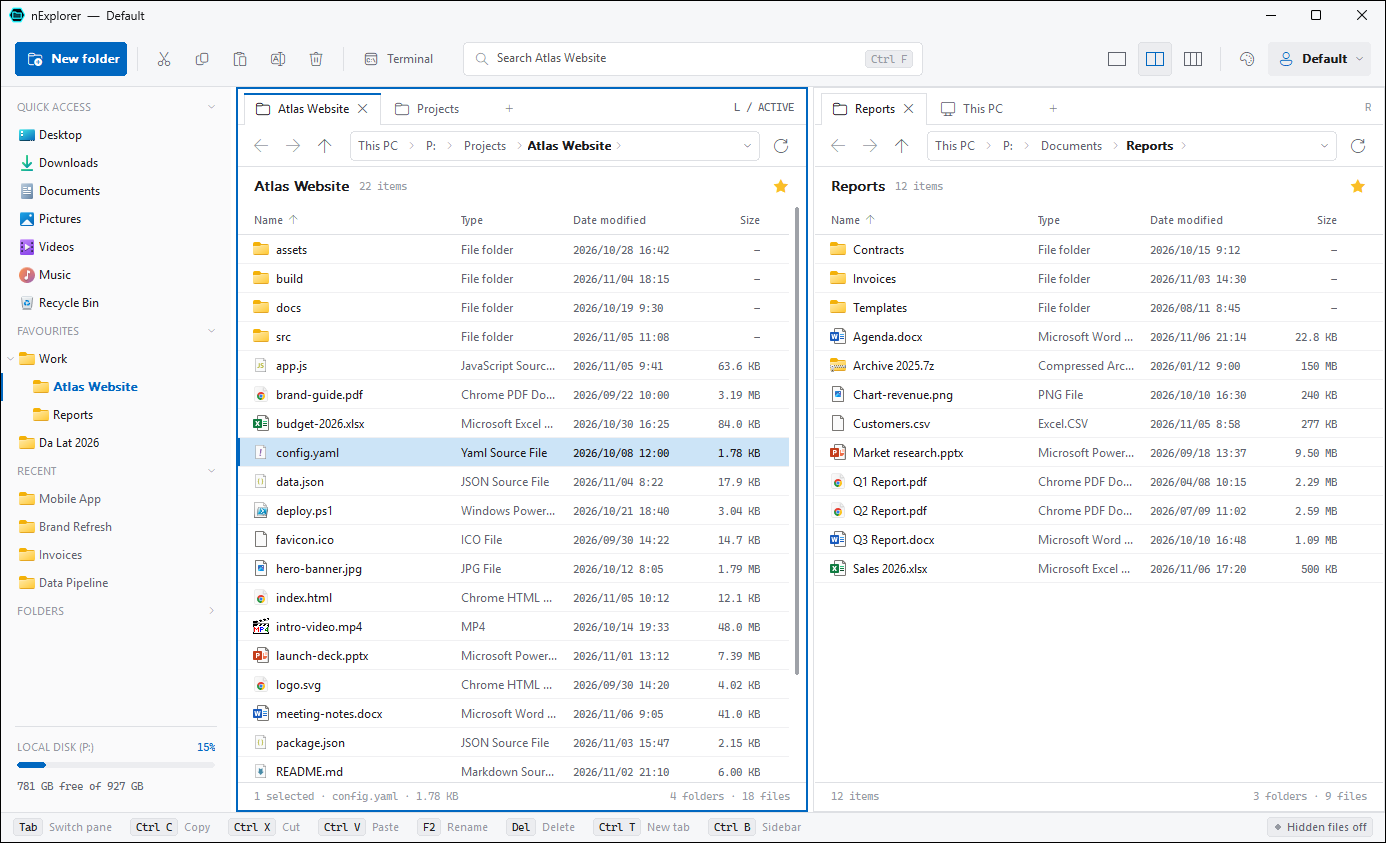
1, 2 or 3 panes, each with tabs
Copy between folders side by side. Ctrl+1 / 2 / 3, drag the splitter, and save the whole layout as a profile with Ctrl+S.
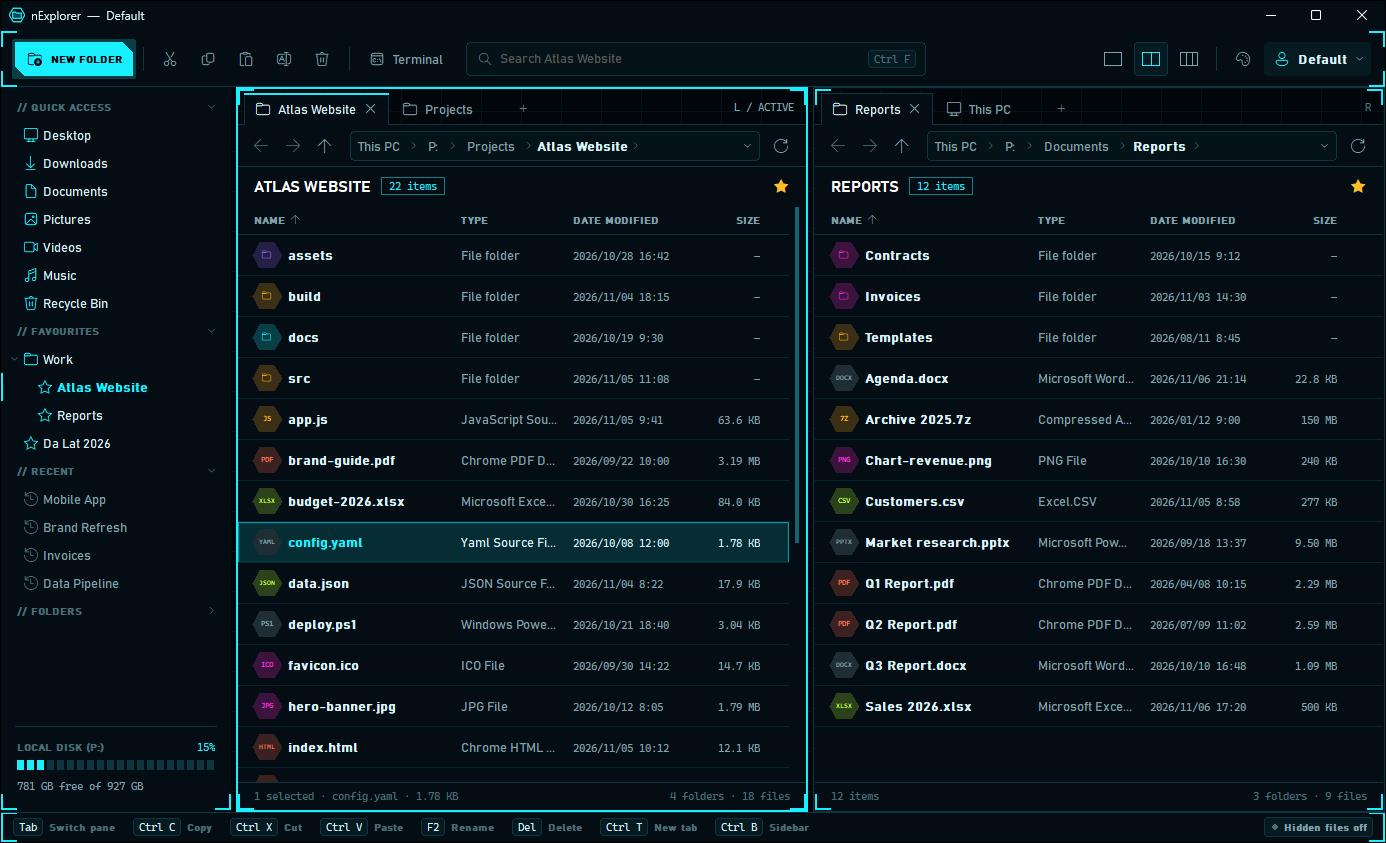
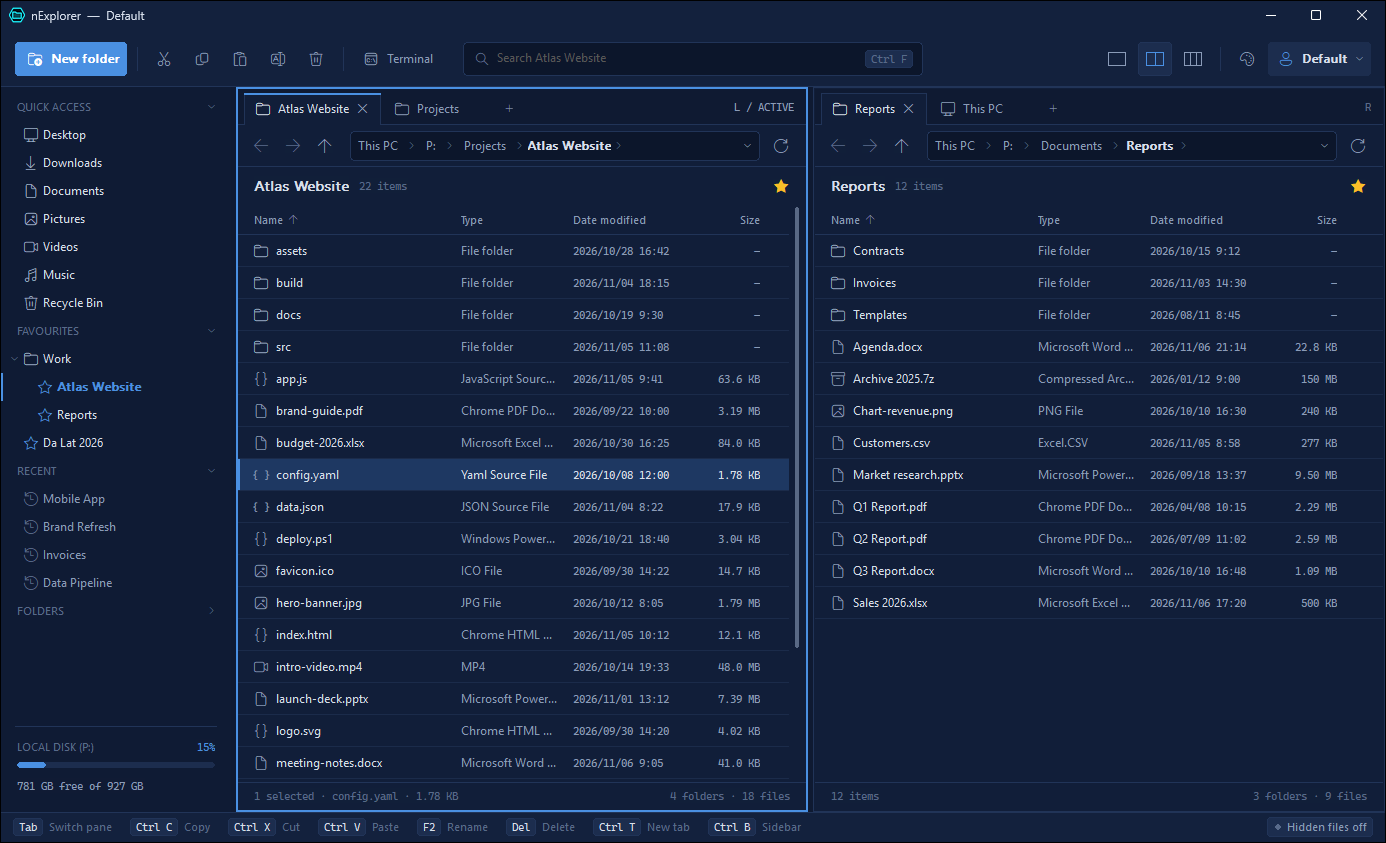
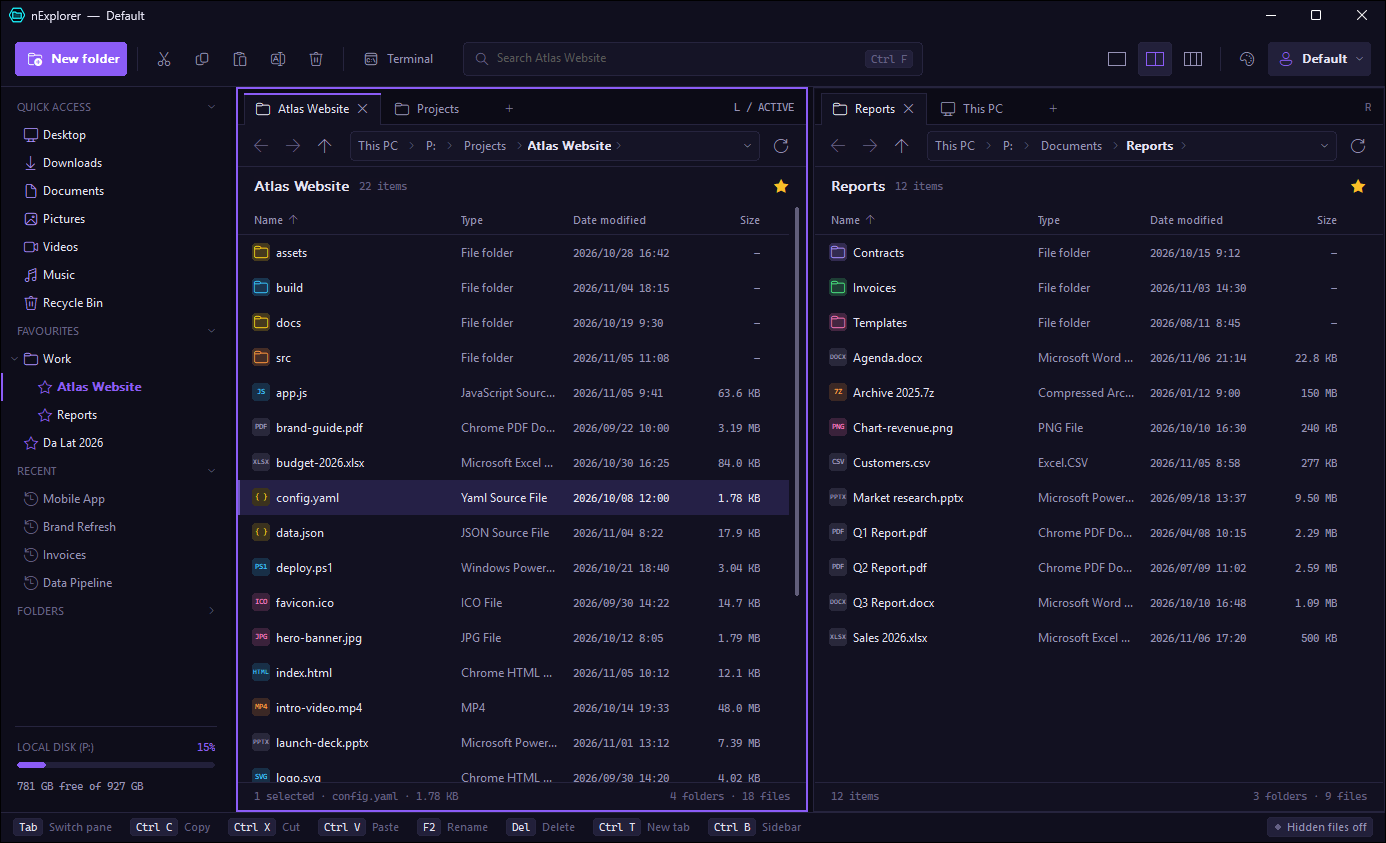
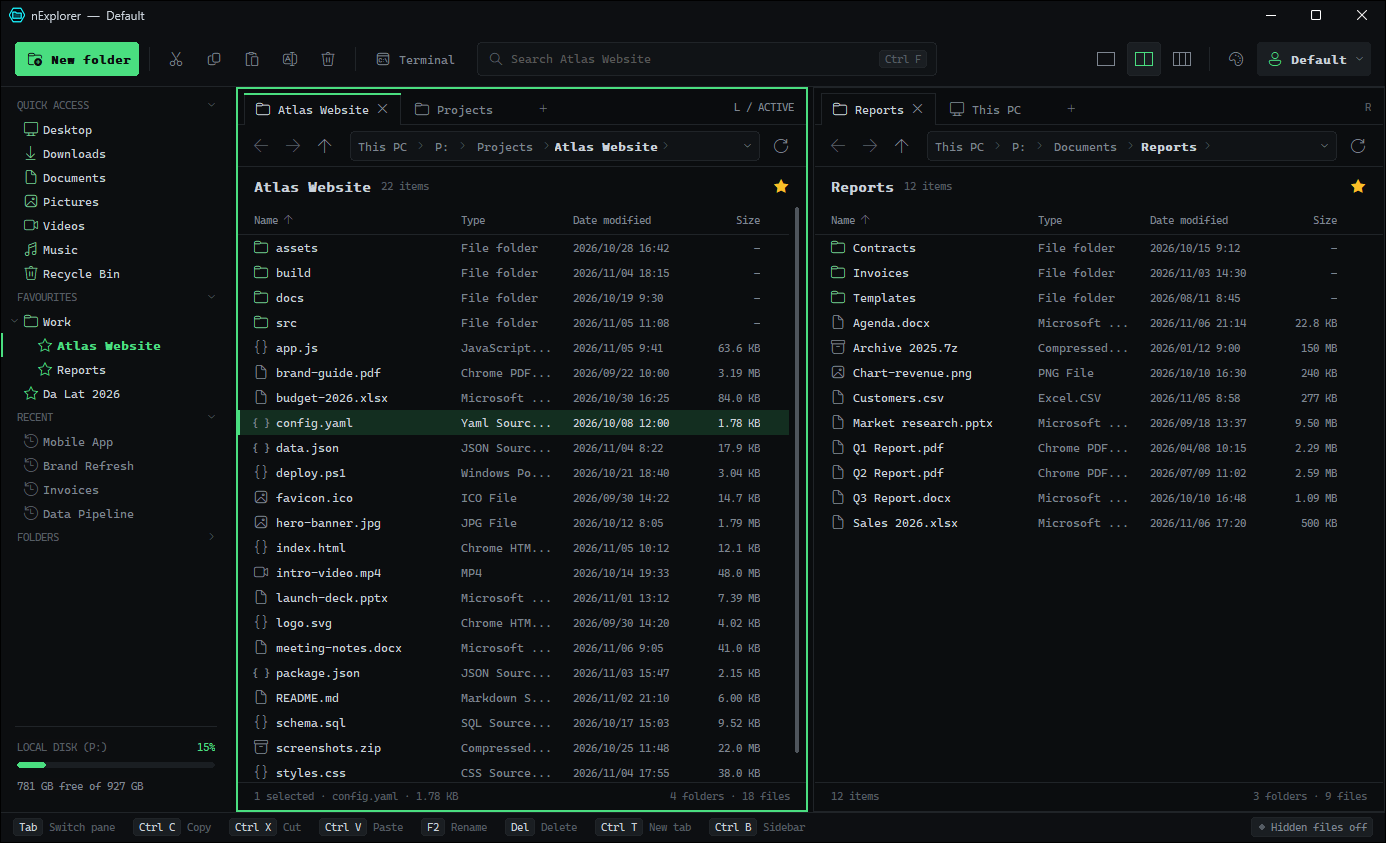
One small exe. Up to three panes with tabs, search that finds files while you type, delete that does not make you wait, and themes you will actually want to look at.
Features
Copy between folders side by side. Ctrl+1 / 2 / 3, drag the splitter, and save the whole layout as a profile with Ctrl+S.
Results stream in while you type, nearest folders first. Every word in any order, accents ignored: duong finds “Đường”, cafe finds “Café”. No index, always current.
On NTFS drives, Del moves even huge folders to the Recycle Bin almost instantly. Shift+Del deletes like rmdir /s /q and reports locked files once.
Ctrl+C on files pastes as files in Explorer, as clickable links (name → path) in Excel and Word, and as the full path in Notepad.
Compress to ZIP without extra software (Unicode names, files over 4 GB). With 7-Zip installed: .7z, AES-256 passwords with hidden file names, and Extract here.
Quick access you pin yourself, Favourites in groups like browser bookmarks, Recent folders, the folder tree and free disk space.
Copies and moves run in the background with items, MB, speed and Cancel. Replace / Skip / Keep both, once or for every conflict.
Void, Flux, Mono, Nexus (HUD with four neon accents), Glass (frosted over your wallpaper) and Light. Add a background picture and window transparency.
Search
Press Ctrl+F in any folder. Search covers the folder and all its subfolders; from This PC it covers every local drive.
| You type | Finds |
|---|---|
tai lieu | names with every word, in any order: Tài liệu học tập.docx, lieu-tai.txt |
"bao cao" | names with the exact phrase |
*.pdf IMG_20??* | wildcards over the whole name |
=readme.md | only this exact name |
Clipboard
| Paste into | You get |
|---|---|
| Explorer, nExplorer | the files and folders themselves |
| Excel, Word, Outlook | a link showing the name, pointing to the full path |
| Notepad, text boxes | the full path |
Keyboard
Get it
nexplorer.exe, 1.0 MB. One file, no installer.
For example D:\Tools\nExplorer or a USB stick. Settings are saved in nexplorer.ini next to the exe, so pick a folder you can write to (not Program Files).
Double-click. Pin it to the taskbar to keep it one click away.
Click More info, then Run anyway. nExplorer is new and not yet signed with a code-signing certificate, so SmartScreen does not know it yet.
Delete nexplorer.exe and nexplorer.ini. Nothing else was installed.
Delete nexplorer.ini to reset every setting, favourite and profile.
3fbd1f8e7e28d2ff86a0f0498889133e4039347f9a2aab95132524eec0e28cb0 nexplorer.exe
FAQ
Yes, free and open source under the MIT License. Use it on as many PCs as you like; the source code is on GitHub.
It runs next to it: Explorer, the desktop and the taskbar stay as they are. Use nExplorer for your file work and keep Explorer for anything else.
It reads folders on a background thread and skips what slows Explorer down: no shell extensions, no thumbnails, no search index.
In nexplorer.ini next to the exe: favourites, Quick access, profiles, theme and window layout. Copy both files to take your setup to another PC.
No. ZIP is built in, and without 7-Zip archives are extracted with the tar.exe that ships with Windows. With 7-Zip installed you also get .7z, passwords and more formats.
No. nExplorer has no network code: no telemetry, no update check, no ads. Only the folders you open on network shares use Windows file sharing.
Windows 10 (version 1607 or later) and Windows 11, 64-bit. No administrator rights needed.
Free, portable, and ready in seconds.